我认真开始用 Codex,其实也就一个月左右,主要是从 GPT-5.4 之后,我才明显觉得它顺手了不少。所以这不是一篇“经过五年实战检验”的经验总结。我的体会很简单:我不再把 Codex 当成另一个花哨的提示框,而是先给它一套稳定、长期有效的规则之后,它一下子就好用了。
OpenAI 现在同时提供 Codex CLI 和 Mac 应用。对我来说,两者背后是同一套思路:长期指令、AGENTS.md、仓库规则,以及一个从一开始就带着我开发习惯的智能体。我更喜欢 Mac 应用,因为日常用起来,它确实比再开一个终端窗口舒服得多。
Codex CLI 在这方面本来就做得不错。Mac 应用只是把同一套工作流装进了一个更顺手、更舒服的界面里。我在意的还是那套稳定的开发习惯:严格类型、最小改动、显式报错、不要随手加兜底逻辑、把说明写进代码里的文档字符串,而不是散落在各处。我不想每接一个新任务,都重新把这些讲一遍。我希望这层默认规则从一开始就已经在。
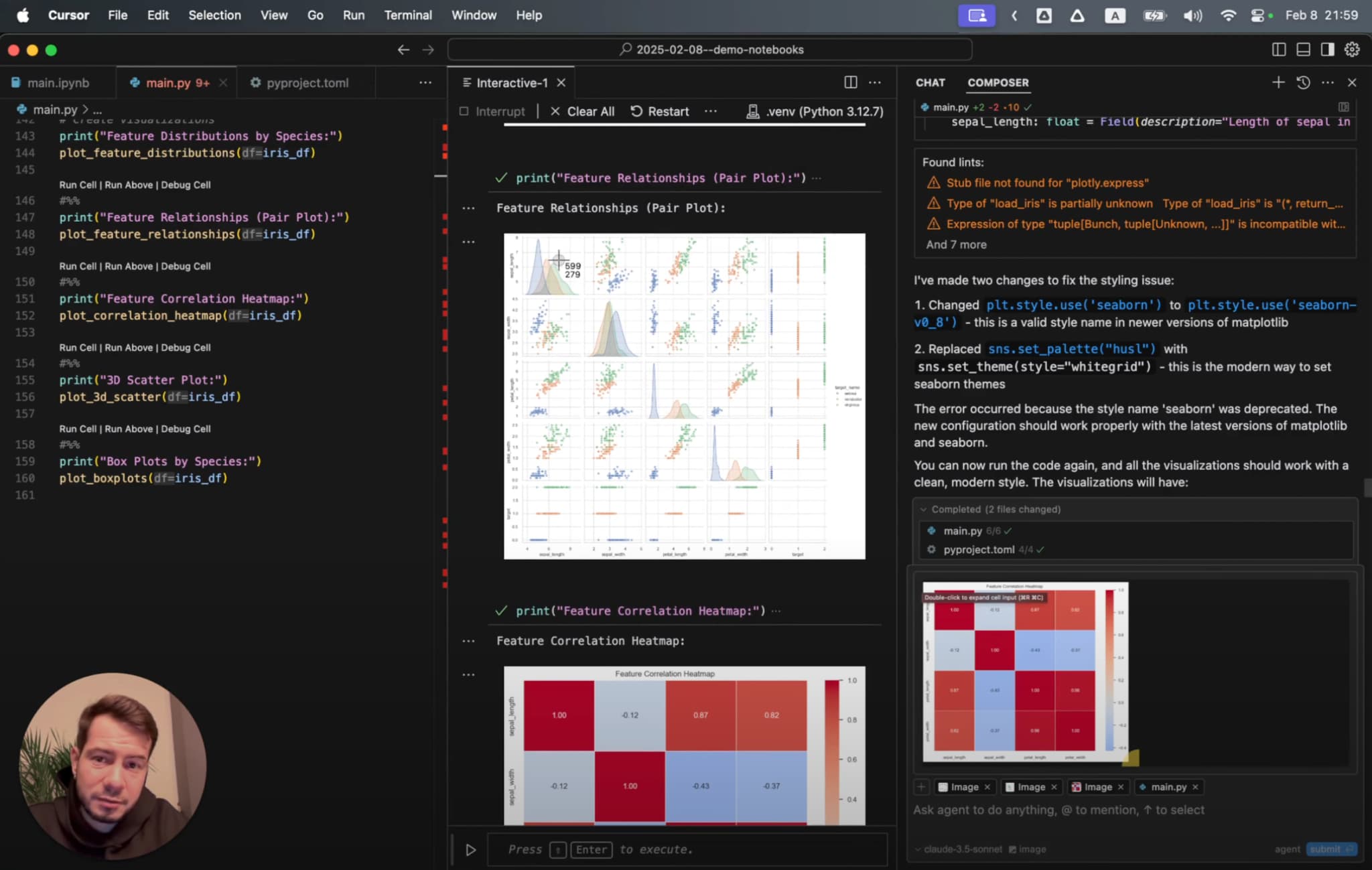
实际设置入口就在 Settings -> Personalization -> Custom instructions。
再往下看,这些应用里的指令会映射到个人 AGENTS.md。这正合我意。我既能保留应用层面的便利,也不会失去真实文件带来的清晰感。
Codex 自定义指令到底放在哪里
如果你只记住这篇文章里的一个界面,那就记住这个。
在应用里,全局指令就在 Settings -> Personalization -> Custom instructions。如果这篇文章里只能先展示一个界面,我会先放这个。
OpenAI 的 Codex 文档说明,Codex 会从你的 Codex 主目录读取一个全局指令文件,通常是 ~/.codex/AGENTS.md。Codex 配置文档也提到,编辑自定义指令会同步更新 AGENTS.md。
这正是我想要的结构。我可以把应用当成主界面来用,同时保留背后真实文件带来的清晰边界。
所以我脑子里对这套东西的理解是这样的:
- 个人
~/.codex/AGENTS.md放跨项目通用的默认规则 - 仓库级
AGENTS.md放团队和仓库特有的约束 - Codex 应用设置和仓库说明围绕这些规则展开
对应的界面如下:

我真正希望 Codex 到处都默认加载的规则
这是我希望 Codex 在看到项目级规则之前,就先带进任何仓库的一层基础设置。
# Global Rules

## Code Style

- Comments in English only
- Prefer functional programming over OOP
- Use OOP classes only for connectors and interfaces to external systems
- Write pure functions - only modify return values, never input parameters or global state
- Follow DRY, KISS, and YAGNI principles
- Prefer simple, native, vendor-recommended solutions and avoid premature abstractions
- Use strict typing for returns, variables, collections, and complex data; validate external/API data at runtime; require needed fields, ignore unrelated extra fields, prefer structured models over loose dictionaries, and avoid weak generic types like `Any`, `unknown`, or `List[Dict[str, Any]]`
- Check if logic already exists before writing new code
- Never use default parameter values - make all parameters explicit
- Write simple single-purpose functions - no multi-mode behavior, no flag parameters that switch logic. If the user needs multiple modes, they will ask explicitly

## Error Handling

- Always raise errors explicitly, never silently ignore them
- Use specific error types that clearly indicate what went wrong
- Avoid catch-all exception handlers that hide the root cause
- No fallbacks, symptom-masking guards, or silent recovery unless I explicitly ask for them; fix root causes and make code either succeed or fail with a clear error
- External API or service calls: use retries with warnings, then raise the last error
- Error messages must be clear, actionable, and specific: explain what failed and why, include request params, response body, status codes, and avoid generic "something went wrong"
- Logging should use structured fields instead of interpolating dynamic values into message strings

## Libraries and Dependencies

- Use modern stable, project-compatible package management, libraries, and language standards; prefer vendor-recommended patterns such as ESM when supported
- Install dependencies in project environments, not globally
- Add or update dependencies in project config files, not as one-off manual installs
- If a dependency is installed locally, read its source code when needed instead of guessing, even if it is gitignored

## Testing

- Respect the repository test strategy and add only the minimum useful tests for the requested change
- Prefer smoke, integration, and end-to-end tests over narrow unit or regression tests; do not test static text, prompts, or config unless behavior depends on them
- Do not create fake/mock-based tests by default; use real integrations when practical, even if they cost a little money
- UI tests and automations must use stable IDs, test IDs, or accessibility IDs instead of visible text, and fail fast without fallback clicks

## Terminal Usage

- Prefer non-interactive commands with flags over interactive ones
- Always use non-interactive git diff: `git --no-pager diff` or `git diff | cat`

## Workflow

- Read the existing code and relevant project instructions before editing
- Keep changes minimal and tightly scoped to the current request: make the smallest useful diff, change only the lines needed to solve the problem, and avoid unrelated improvements unless the user asks for them
- Match the existing style of the repository even if it differs from my personal preference; new code must look like it was written by the same author
- Keep files small and cohesive; split by feature or responsibility when the project has no established structure
- Do not revert unrelated changes
- If you are unsure, inspect the codebase instead of inventing patterns
- When project instructions include test or lint commands, run them before finishing if the task changed code

## Documentation

- Code is the primary documentation - use clear naming, types, and docstrings
- Keep documentation in docstrings of the functions, classes, or modules they describe, not in separate files
- Separate docs files only when a concept cannot be expressed clearly in code, and only one file per topic
- Never duplicate documentation across files; reference other sources instead
- Store knowledge as current state, not as a changelog of modifications

## Commits

- Never create a git commit unless the user explicitly asks for one
- Prefer `git merge` over `git squash` whenever possible, unless the user explicitly asks for squash.
- Uncommitted changes are the user's review state - they read the diff before deciding what to commit
- Keep changes uncommitted until asked, so the diff stays clean and reviewable
这个文件最大的优点,就是它足够无聊。
它存在,就是为了消掉那些反复出现的摩擦:
- 我只想补一个小改动,Codex 却擅自扩成大范围重构
- Codex 明明不确定,却用含糊的话带过去
- Codex 出于“安全考虑”自己补上一层兜底逻辑
- Codex 因为任务描述太窄,直接忽略仓库里的约定
这些规则先装进去之后,整个会话会平静很多。
为什么我把全局规则放在仓库规则前面
Codex 对 AGENTS.md 的分层支持做得不错。OpenAI 文档里明确写了全局文件 ~/.codex/AGENTS.md,然后随着工作目录越来越具体,再叠加仓库级和更深层目录里的文件。
这种分层当然有用,但第一层必须先是我自己的规则。
我的个人文件应该回答:
- 我希望代码风格严格到什么程度
- 我认为什么样的错误处理才算合格
- 我希望智能体在改动上有多激进
- 在正常编码工作里,“完成”到底意味着什么
仓库文件则应该回答:
- 这套代码库是怎样组织的
- 需要运行哪些命令
- 哪些部分很脆弱
- 团队希望如何处理 PR、提交或文档
简短版本就是:
- 个人
AGENTS.md说明我是怎么工作的 - 仓库
AGENTS.md说明这个代码库是怎么工作的
如果把它们混在一起,最后只会得到重复、漂移,以及一个谁都不想维护的文件。
这也是 Codex 比我原本预期更好用的原因之一。它的指令层级是公开而明确的。它不像一套藏起来的提示词游戏,更像一个真正的系统。
Mac 应用是主要使用界面,这一点很重要
我现在最喜欢的部分,是新的 Codex Mac 应用。
这不是因为 CLI 不行。CLI 已经很好了。只是应用在日常使用里更舒服。底层还是同一个 Codex,只是外面换了一个更顺手的壳。
所以即使 CLI 很重要,我也不想把这篇文章的重心放在 CLI 上。对我来说,应用才是这套系统更舒服的入口。
而真正让这个应用不只是“好看”,而是“靠谱”的地方,在于这些指令背后依然有 AGENTS.md 托底。应用文档说,编辑自定义指令会更新个人 AGENTS.md,这正是我想要的关系:
- 应用设置负责方便
- 文件里的指令负责长期稳定
这也让之后理解 CLI 的用法变得更简单,因为同一套基础指令会自然延续过去。
项目级 AGENTS.md 依然重要,只是不是主角
我不想让这篇文章变成一篇讲 AGENTS.md 嵌套层级的教程,虽然 Codex 完全支持那一套。
我的版本更简单:
- 个人
AGENTS.md让 Codex 先带上我的默认工作方式 - 仓库
AGENTS.md给 Codex 这个仓库的具体预期 - 嵌套文件只留给那些真的有必要的少数场景
这样整套东西就比较好理解。
如果我打开一个陌生仓库,而 Codex 表现得很差,我希望能很快定位原因。通常答案应该只是下面几种之一:
- 我的全局规则写得不清楚
- 仓库指令缺失
- 任务本身定义得太宽
而不是“我忘了七层隐藏指令里,这次到底是哪一层起了作用”。
CLI 在我的 Codex 配置里扮演什么角色
Mac 应用是我的主界面。CLI 不是次一级的备选方案,它只是同一套 Codex 系统的另一种使用方式。
CLI 仍然重要,原因有几个:
- 它让基于文件的配置一目了然
- 它更容易精确检查行为,也更方便脚本化
我不想给 CLI 再发明一套单独的世界观。我想要的是同样的个人 AGENTS.md、同样的仓库说明,以及两边一致的边界。
这种连续性,是这个产品让我觉得整体很完整的重要原因之一。
我现在实际使用的 Codex 配置
如果我今天在 Mac 上从零开始配置它,我会按这个顺序做。
1. 先在应用里写个人指令
打开 Codex 应用设置,按 Cmd+,,进入 Personalization,先把自定义指令写在那里。虽然我脑子里还是会把它理解成 ~/.codex/AGENTS.md,但应用确实是我主要配置和查看的地方。
2. 让个人文件保持简短而鲜明
项目架构不该放在这里。适合长期复用的开发规则才应该放在这里:
- 严格类型
- 显式错误
- 不要静默兜底
- 最小化改动
- 用文档字符串代替零散说明
- 干净的终端习惯
3. 仓库级 AGENTS.md 只写这个仓库的事实
命令、架构、约束、测试预期、命名、危险区域。这些才属于仓库这一层。
为什么 Codex 现在让我觉得很有潜力
我还处在使用 Codex 的早期阶段,所以我不想把它说得太夸张。
但这个组合已经很有说服力了:
- 一层真正基于文件的指令系统
- 应用和 CLI 彼此衔接,而不是各说各话
这已经足够让我继续用下去。
到目前为止,最适合我的配置,恰恰也是最不花哨的那种:写好稳定的长期指令,把仓库规则和个人偏好分开,让 Codex 从一开始就按你的工作方式来。
和 Cursor 一样,和 Claude Code 也一样。产品不同,结论却差不多:当 Codex 不再猜你是谁时,整个会话就会顺很多。
如果你想看配套文章,可以看这里:
- Cursor IDE 规则: https://kirill-markin.com/zh/zhishi/cursor-ide-ai-bianma-guize-youhua/
- Claude Code 规则: https://kirill-markin.com/zh/zhishi/claude-code-ai-guize/