My Mac Froze but the Cursor Still Moved. Were AirPods Involved?
App animations on my MacBook Pro kept freezing for several seconds at a time. The cursor still moved across the built-in screen. It happened in multiple apps, even after I disconnected Screen Sharing and switched the display to 60 Hz. When I turned off Bluetooth, the visible freezes stopped. I didn't have to restart.
My AirPods Pro were sitting on the table, out of their case. I put them away and turned Bluetooth back on. The Mac felt normal again. Since I changed both things, I still don't know what putting the AirPods away would have done on its own.
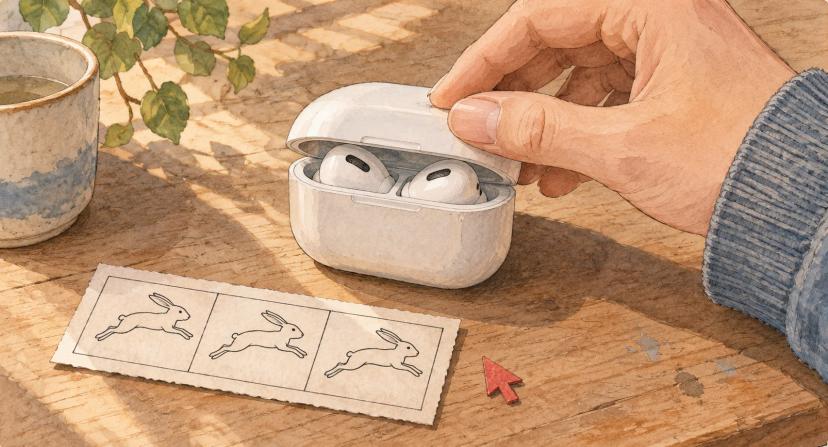
Try putting the AirPods away with Bluetooth still on
If the cursor still moves while your apps freeze and your AirPods are out of their case, try changing one thing at a time.
- Note the time of a freeze and what you were doing when it happened.
- Put the AirPods in their case, close the lid, and leave Bluetooth on. Keep your apps and display settings as they are. Repeat the action that was freezing for a minute or two.
- If the freezes continue, briefly switch off Bluetooth in System Settings → Bluetooth and repeat the same action. Use the MacBook's keyboard and trackpad or have wired input ready. Turn Bluetooth back on after the comparison. Apple's Bluetooth instructions
A quiet minute is a clue. If the freezes return, repeat the comparison while they're happening and see whether the same change helps again.
If the freezes repeatedly coincide with your AirPods switching to the Mac, you can try disabling automatic switching as a separate test. I haven't tried that for these freezes. Apple's AirPods switching instructions
What the WindowServer logs showed
This happened on November 10, 2026, on an M5 Pro MacBook Pro running macOS 27.2 (build 26B123). Codex compared the changes I made with messages from WindowServer, the macOS process that puts app windows on screen. The recurring message was synchronize timed out.
| Local time | What changed | What the log showed |
|---|---|---|
| 10:23:39 | Screen Sharing disconnected | Dozens of timeout lines in the following minute. |
| 10:25:27 | I switched from ProMotion to fixed 60 Hz | 13 timeout lines in the previous 30 seconds and 11 in the next 30. I could still see freezes. |
| 10:28:40 | I turned off Bluetooth | The visible freezes stopped. The log stayed clear of timeouts through 10:30:26, including after I restored ProMotion at 10:29:41. |
| 10:32:59 | The next burst began | 17 timeout lines in under a second, just before Bluetooth came back on. |
| 10:33:03 | Bluetooth logged PoweredOn after I put the AirPods away | No more timeout lines through 10:34:08. |
Those are counts of log lines. One stall can produce several. The last check after Bluetooth came back on lasted about a minute.
While Bluetooth was on, a Bluetooth audio service called audioaccessoryd was restarting in a second, inactive login session about every ten seconds. In recurring cycles, a related login event came about a second before a WindowServer timeout. One cycle logged “Incoming connection is out of ear.” The device behind that message is still unknown. The service also restarted during quiet periods, including after I turned off Bluetooth.
There's an older firsthand report of a MacBook Pro lagging when its owner opened an AirPods case. In that case the cursor slowed down too. AirPods turn my Mac laggy
Check your own freeze times in Terminal
Use the time of a visible freeze to look for the same WindowServer message. Replace the example times with your own before-and-after windows of equal length and run the command once for each. It reads logs without changing settings.
/usr/bin/log show --style compact \
  --start "2026-11-10 10:24:57" --end "2026-11-10 10:25:27" \
  --predicate 'process == "WindowServer" AND eventMessage CONTAINS[c] "synchronize timed out"'
If lines cluster around the times you wrote down, compare those bursts across the two windows. If the freezes keep happening without matching lines, use the visible stalls to judge your test.
I experienced the freezes and made the changes above. Codex helped analyze the macOS logs, research related reports, and write this article.
Related & Recent Articles

AWS CloudFormation Stack Refactoring Failed: Our Recovery
A CloudFormation refactor blocked our releases. Exact alarm errors, read-only diagnostics, small-batch experiments, and proof of restored deployments.

Photo Culling on Mac Without a Catalog: Louppe Workflow
A folder-based photo culling workflow for Mac with free, open-source Louppe: review locally, save decisions, and copy JPEG or RAW keepers to a new folder.
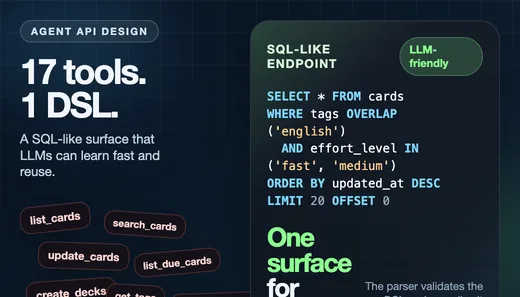
Why I Replaced 17 Agent Tools with One SQL-Like DSL
How I collapsed 17 agent tools in Flashcards Open Source App into one SQL-like DSL endpoint that internal and external LLMs can learn quickly.
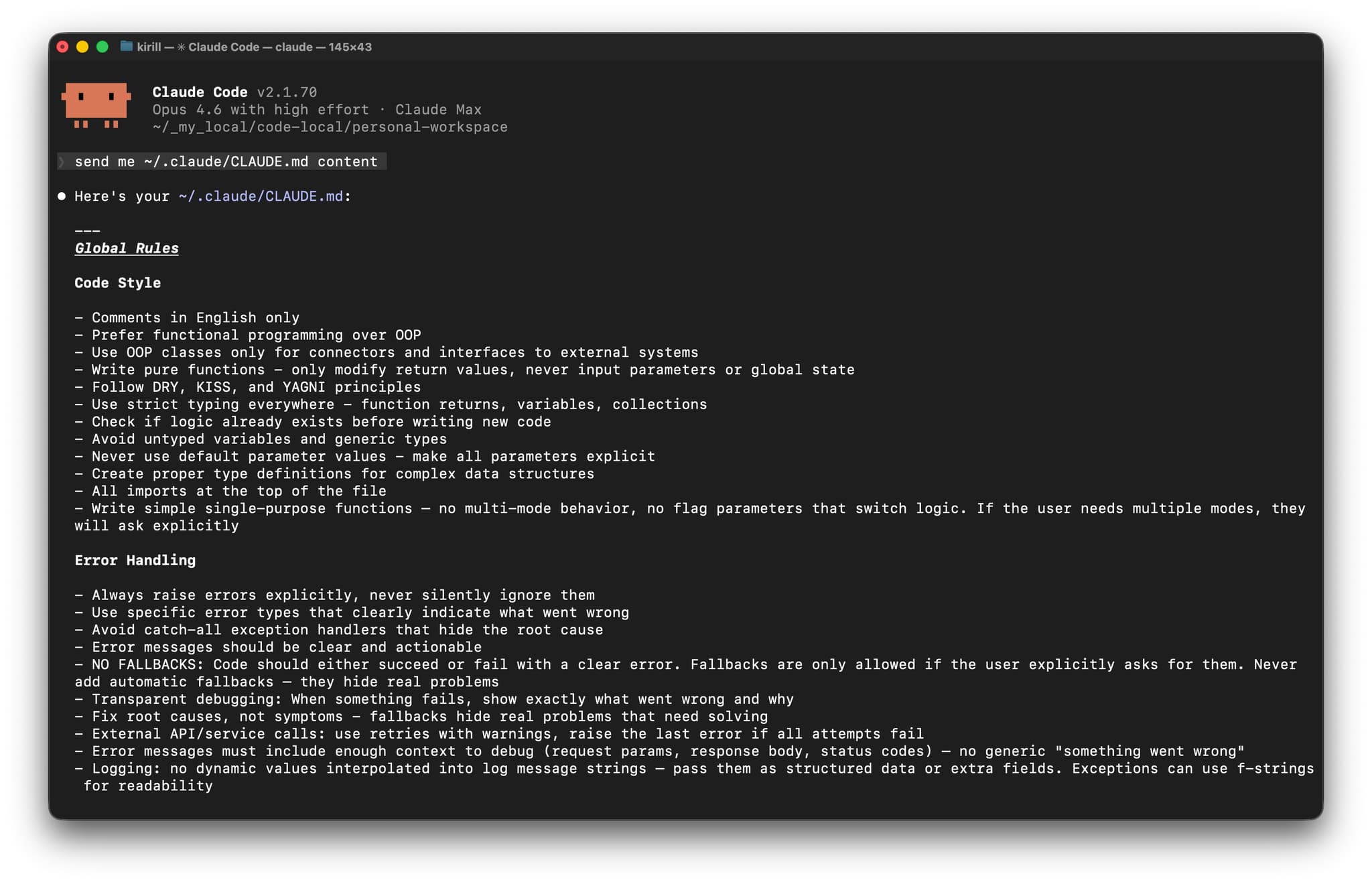
Claude Code Rules: CLAUDE.md Global Instructions for AI
My Claude Code rules using global CLAUDE.md instructions. How I split personal and project rules so the agent keeps my coding patterns across repos.
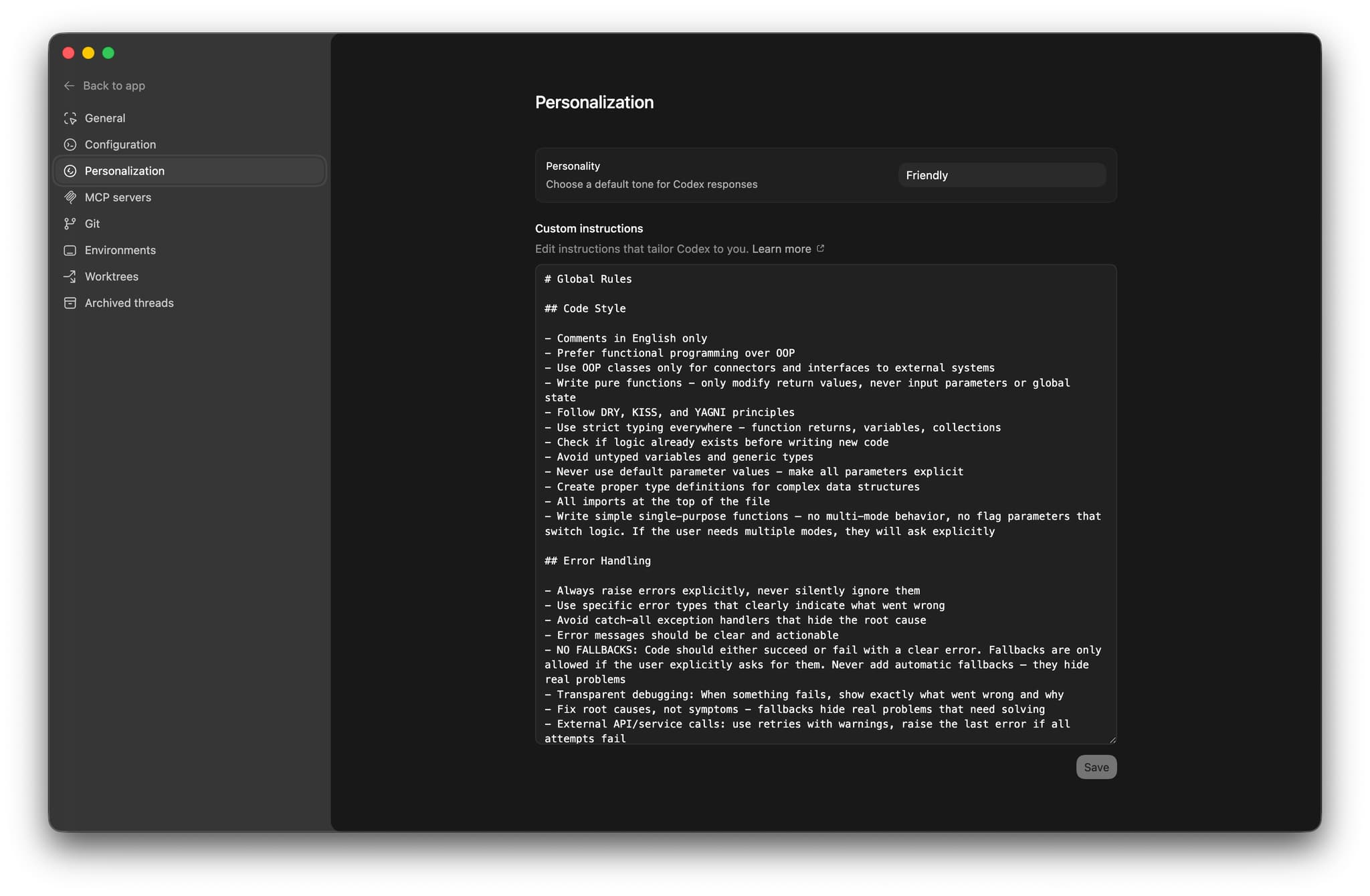
Codex Rules: Global Instructions, AGENTS.md, and Mac App
My Codex rules for AI: how I use Codex custom instructions, AGENTS.md, and the Mac app to keep the same coding patterns across different repos.
About Author

Share this article


