Photo Culling on Mac Without a Catalog: Louppe Workflow
A folder of photographs can be the starting point and the handoff format for a photo-selection workflow. Open the folder, choose the frames worth keeping, and copy those files to another folder. The next application receives ordinary images it can open directly.
Louppe is a free, open-source photo viewer and manual culling app that supports this approach on Mac. It works locally, without importing the shoot into a photo library or uploading photographs for review. It requires an Apple silicon Mac running macOS 14 or later; Intel Macs and Windows are unsupported.
Disclosure: Alex Markin, Louppe's creator, supplied the workflow material and screenshots. This article was prepared with AI assistance.
Three parts of a folder-based photo workflow
There are three separate things to preserve:
- Source photographs: the JPEG or RAW files copied from the camera, with a separate backup.
- Review decisions: Louppe's record of Yes, No, stars, and color labels.
- Keeper copies: the files chosen for sharing or further work.
For example, the working layout might look like this:
October walk/
  shoot/
    XT509851.JPG
    XT509860.JPG
    .louppe_session.json
  keepers/
    XT509851.JPG
This is an illustrative layout, not an automatic folder structure. Keep the destination outside the source folder so it remains separate from the shoot you are reviewing.
Review photos locally and keep decisions separate
Open the backed-up shoot folder in Louppe. Grid gives an overview, while Gallery shows one photograph with optional thumbnails and camera information.
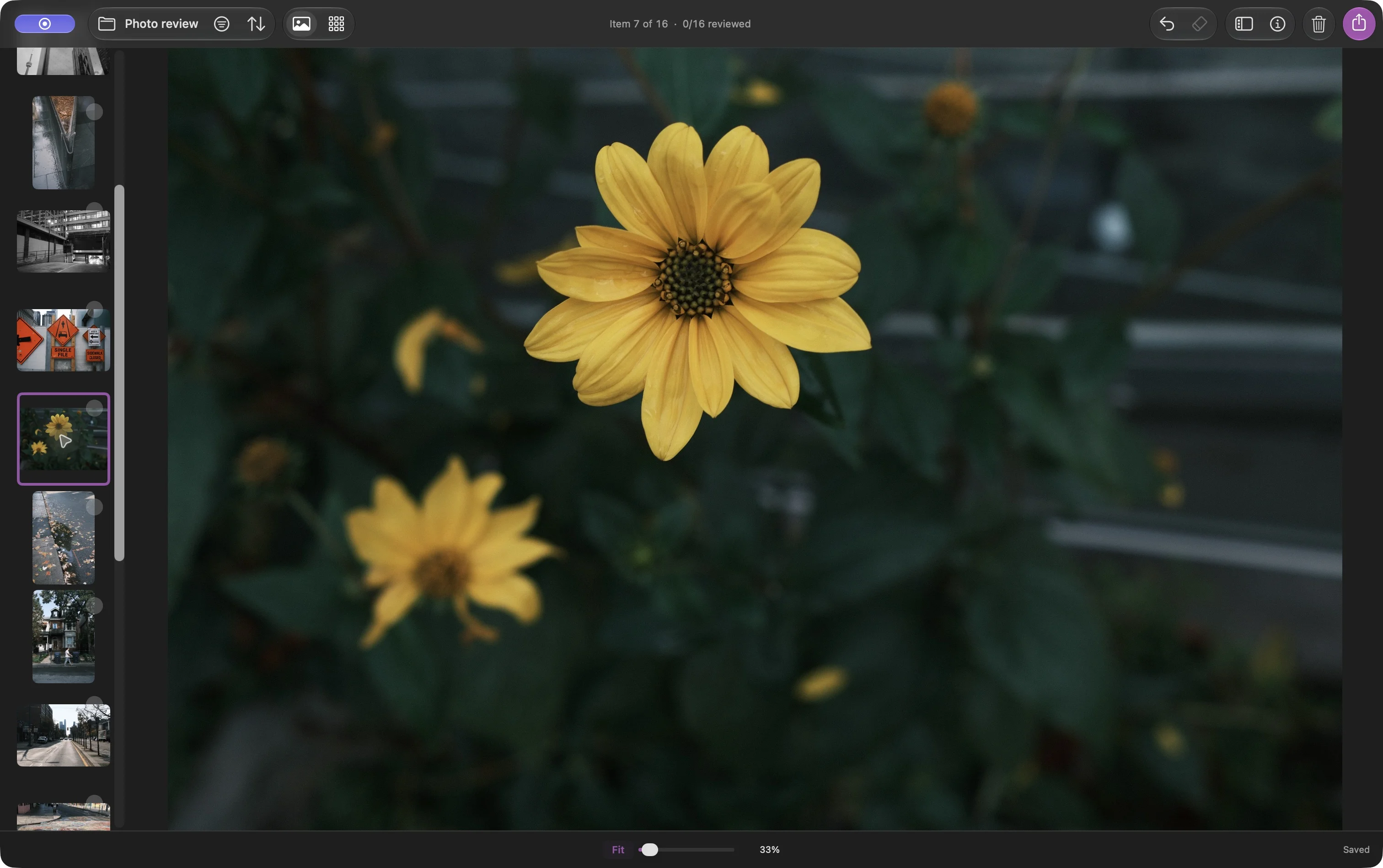
Gallery and its thumbnail browser, captured in Louppe 1.10. The purple outline identifies the current photograph.
With the default shortcuts, F marks Yes and D marks No. Arrow keys let you revisit a frame. Leave uncertain photographs undecided and return to them. Stars and color labels are optional, independent choices.
Marking No doesn't delete anything. It changes a review decision. Clean Up is a separate command that sends files to macOS Trash, and is unnecessary for a workflow that only copies keepers.
Louppe saves its decisions in .louppe_session.json beside the source files. Wait for the save status before disconnecting a drive. Keep the source folder and its session file in your backup.
Copy a shortlist that another app can open
Filter to Yes and inspect the shortlist. Then open Export, choose Copy, and check the matching count and scope. An active selection makes Export start with All selected; otherwise it starts with filtered Keepers (Yes). Choose the intended keeper scope explicitly.
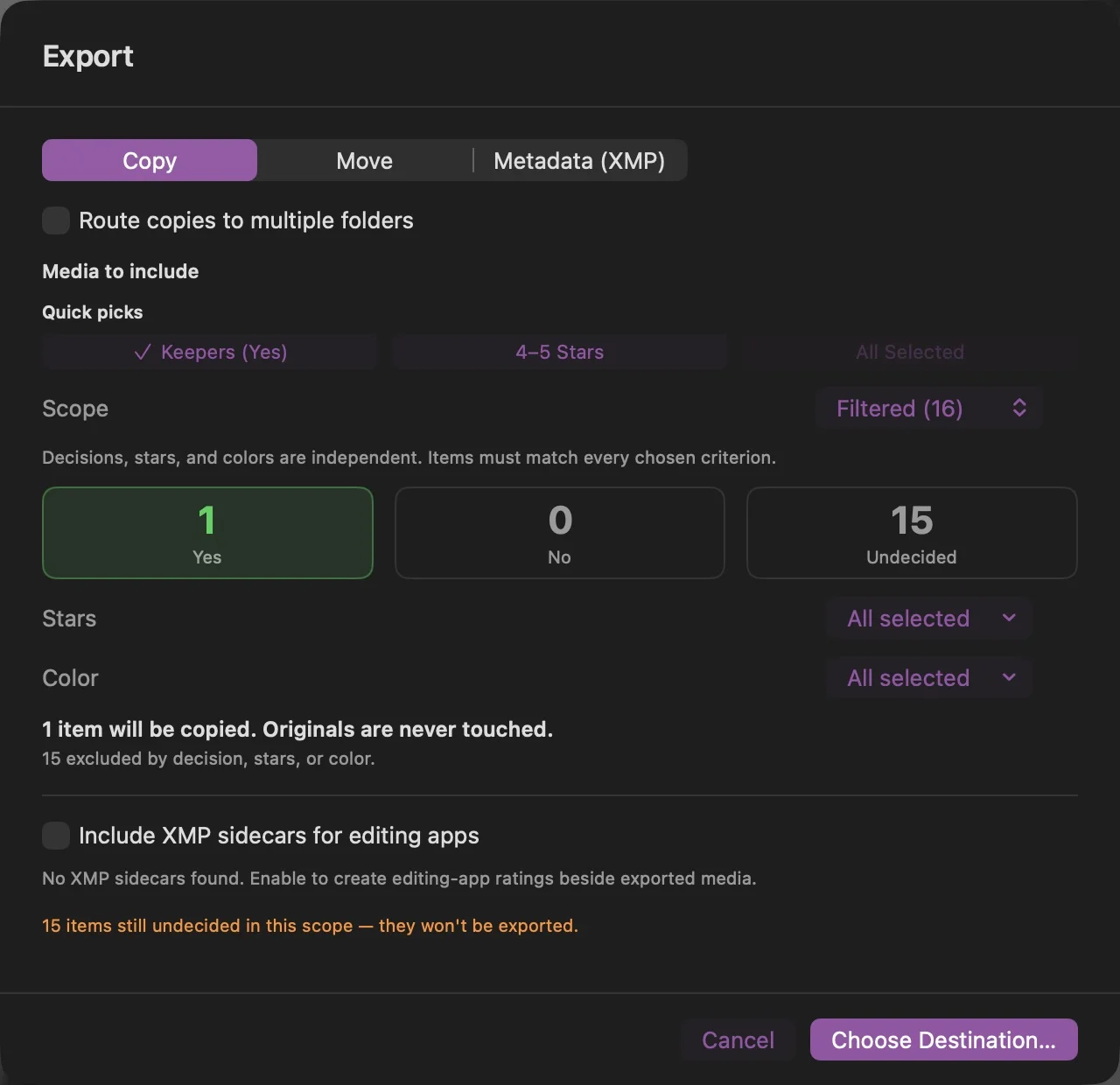
This Louppe 1.10 preview includes one keeper and excludes 15 undecided files. The matching count, rather than the folder total, predicts what will be copied.
Choose a new destination, wait for completion, and inspect the resulting files in Finder. Open a few copies before handing them off. Copy preserves file contents; it doesn't resize JPEGs, convert RAW files, or remove embedded metadata.
The destination is an ordinary folder. A JPEG-only shoot can end here, ready for viewing or sharing. RAW keepers can continue to the photographer's preferred editor. Louppe's JPEG selection guide gives the detailed version of the first workflow.
What travels with the files, and what needs checking?
The image files are portable. Louppe's session format is application-specific and bound to folder identity; copying its JSON file elsewhere is not a universal way to transfer a review.
For ratings in another application, Louppe offers XMP sidecars, but interoperability needs checking with a small batch in the intended editor. Don't assume a Yes/No decision, a star rating, and a color label mean the same thing everywhere. Copying chosen photographs is the simpler handoff when the receiving app only needs the selected files.
RAW editing, exposure adjustments, and color adjustments belong in an editor. Louppe can group RAW+JPEG pairs and provide local analysis tools; the photographer makes the selection decisions.
A small first run
Try a backed-up folder of 20 photographs. Mark a few keepers, leave some undecided, copy the keepers to a fresh destination, and compare the result with the preview. That checks the important boundary: the files delivered to the next step should match the choices you made.
The Louppe source and release documentation describe supported formats, file operations, and current limits.
Related Articles
Why I Replaced 17 Agent Tools with One SQL-Like DSL
How I collapsed 17 agent tools in Flashcards Open Source App into one SQL-like DSL endpoint that internal and external LLMs can learn quickly.
Codex Rules: Global Instructions, AGENTS.md, and Mac App
My Codex rules for AI: how I use Codex custom instructions, AGENTS.md, and the Mac app to keep the same coding patterns across different repos.
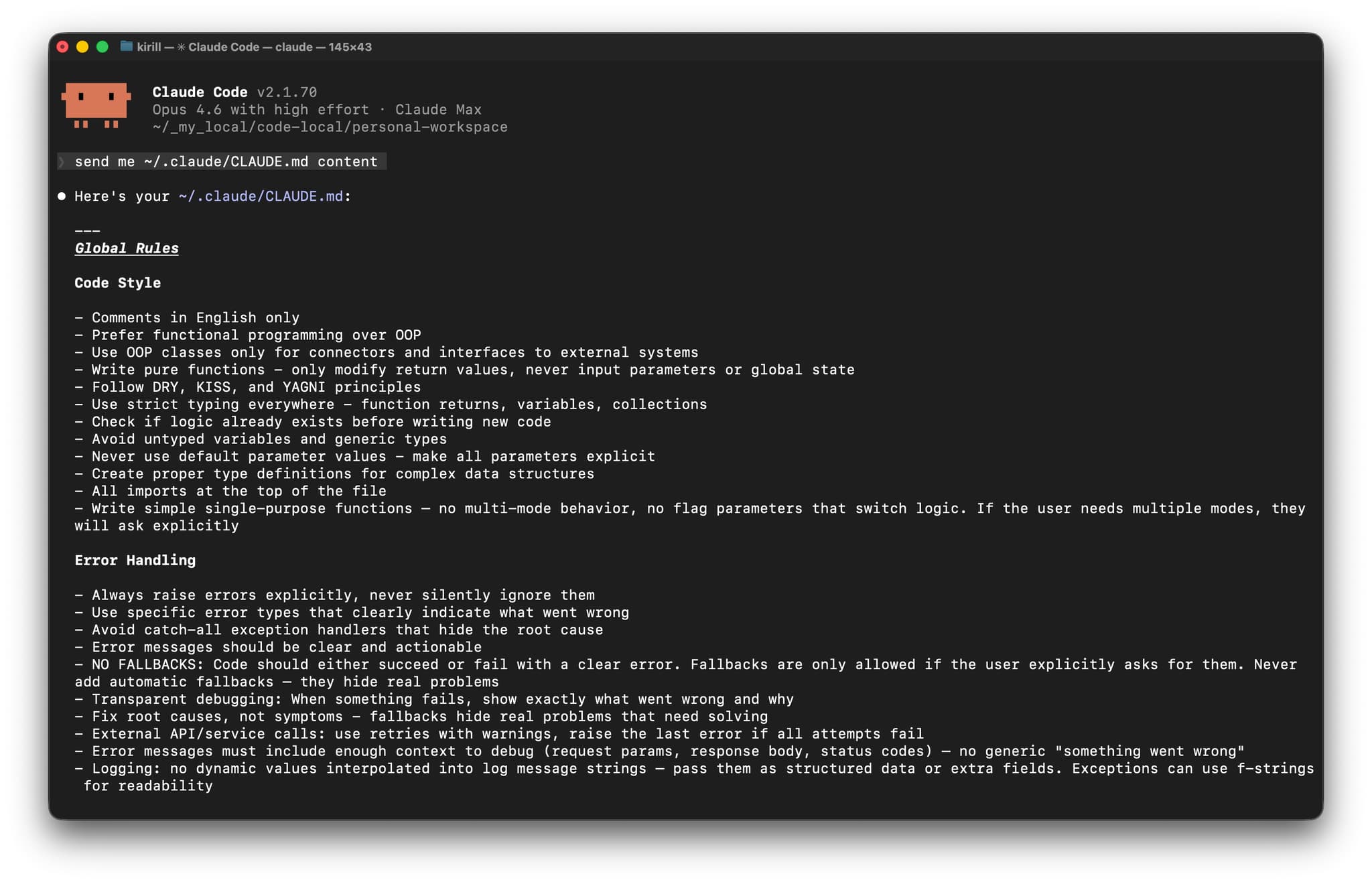
Claude Code Rules: CLAUDE.md Global Instructions for AI
My Claude Code rules using global CLAUDE.md instructions. How I split personal and project rules so the agent keeps my coding patterns across repos.
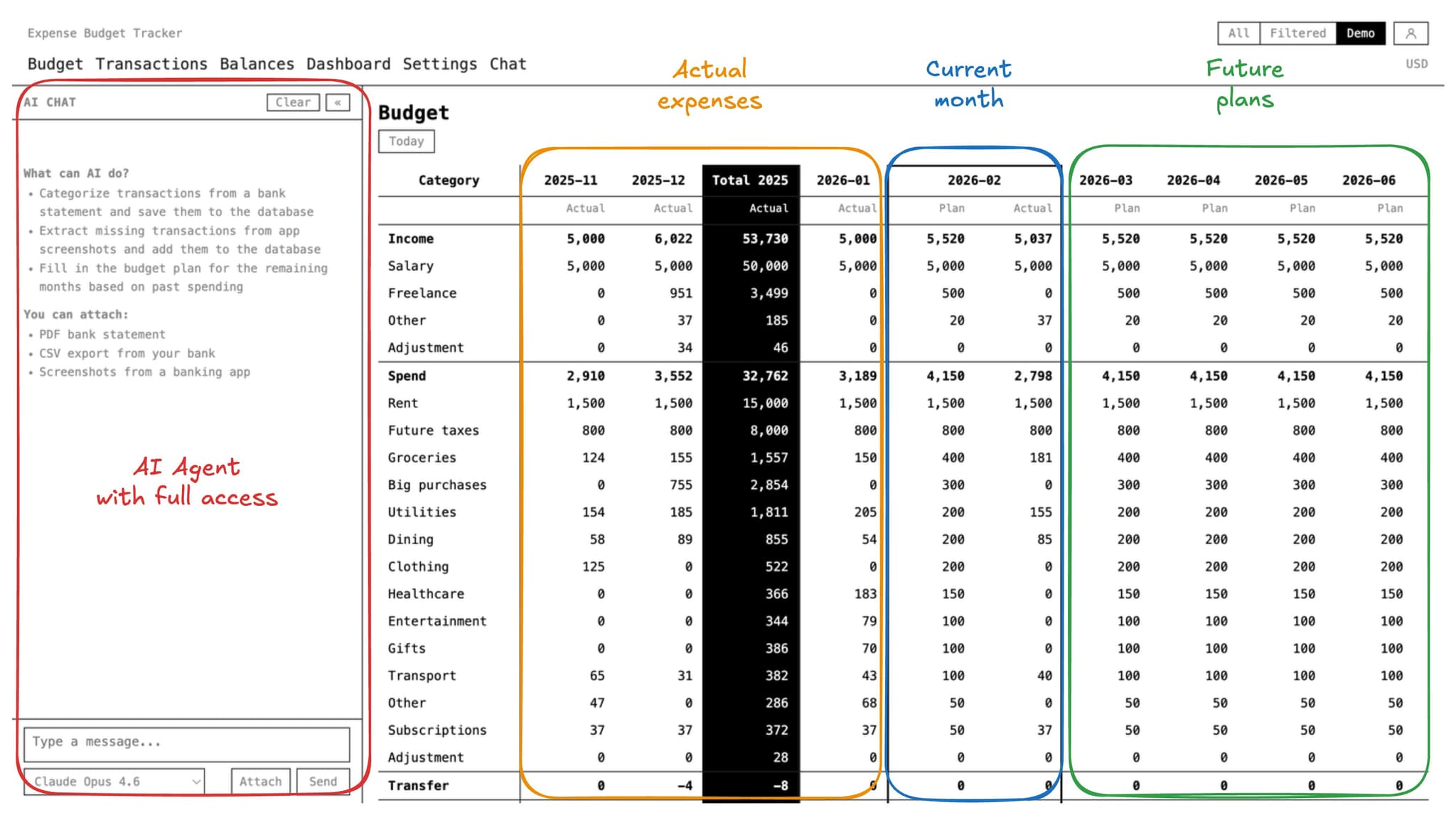
How I Use AI to Handle My Expenses from Bank Accounts and Budget
My personal system for tracking expenses, managing bank accounts, and budgeting with AI. Open-source tools, automation, and practical workflows.
How to Automate Email Categorization with n8n and LLM
My 3-month proven system for automating email categorization using n8n workflows and GPT-5-nano. Archive, read, or answer - let AI decide for you.
About Author

Share this article


