




Claude Code Rules: CLAUDE.md Global Instructions for AI
Claude Code got much better for me when I stopped re-explaining myself in every chat. I have been coding with AI for about two years, using Claude Code for roughly the last six months, and the most useful improvement was embarrassingly simple: put my default rules into ~/.claude/CLAUDE.md and let the agent start there.
Before that, I kept burning messages on the same stuff. Use strict typing. Do not add fallbacks I did not ask for. Keep the diff small. Do not rewrite half the file because you got excited. Claude usually listened. I still had to pay that tax again and again.
Now the baseline is already there before the repo even enters the conversation.
Where I Keep My Claude Code Global Instructions
Anthropic's Claude Code docs split this into a few layers. ~/.claude/CLAUDE.md is the user-wide file. ./CLAUDE.md or ./.claude/CLAUDE.md is the shared project layer. CLAUDE.local.md is for your own project notes that should stay out of git.
That is almost exactly how I want it:
~/.claude/CLAUDE.mdfor my persistent coding preferences- Project
CLAUDE.mdfor repository-specific architecture and commands CLAUDE.local.mdwhen I need personal project notes that should stay out of git
I do not want to paste the same personal rules into every repository I open. If "no silent fallbacks" is a global preference, it belongs in the global file. If "run this weird internal bootstrap command before tests" is repo-specific, it belongs in the project file.
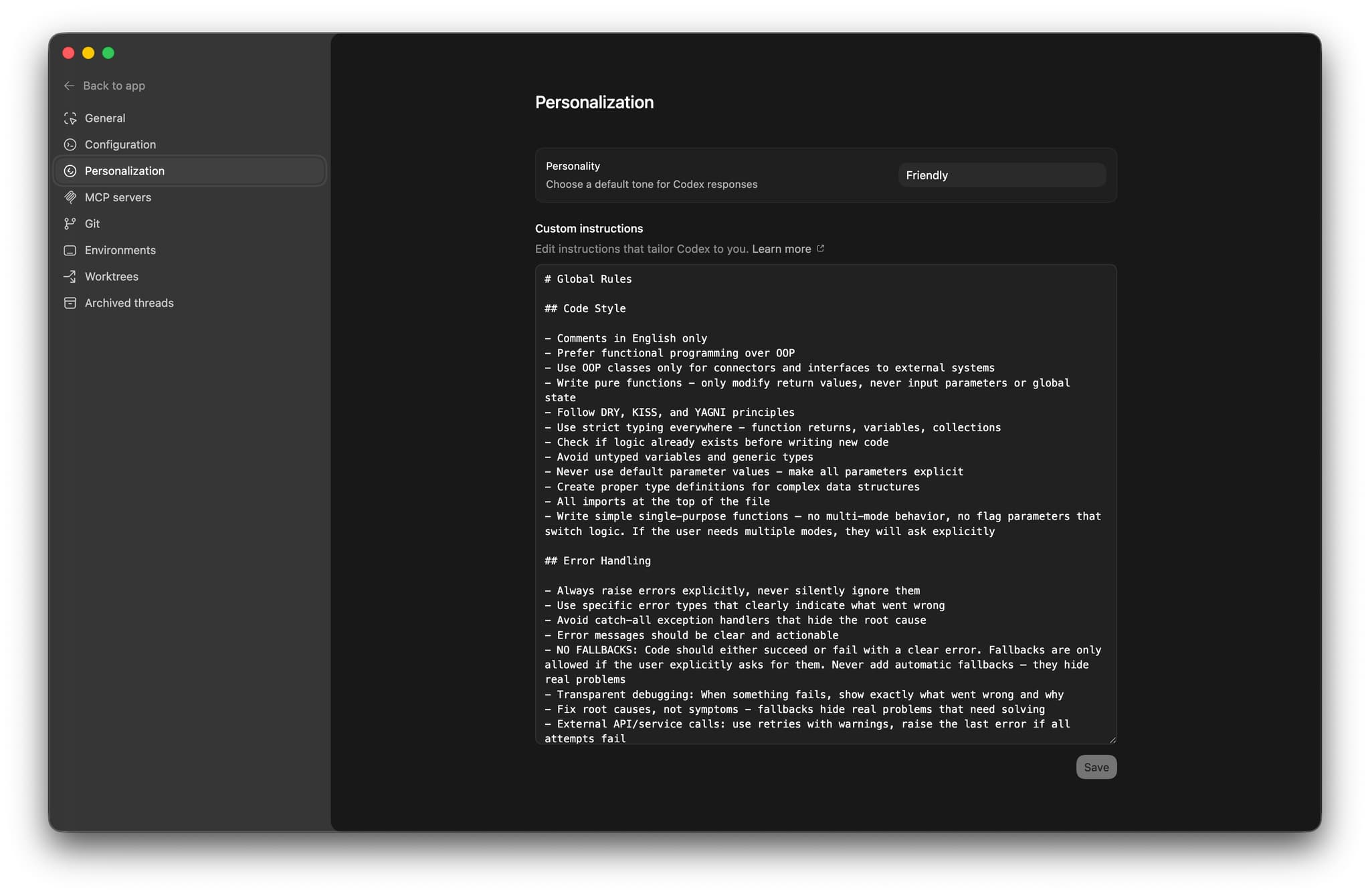
Here is the version I am using right now in Claude Code:

The Claude Code Rules I Actually Use
This block is boring on purpose. Good rules usually are. I am not trying to describe every edge case in advance. I just want Claude Code to stop making the same predictable mistakes.
# Global Rules

## Code Style

- Comments in English only
- Prefer functional programming over OOP
- Use OOP classes only for connectors and interfaces to external systems
- Write pure functions - only modify return values, never input parameters or global state
- Follow DRY, KISS, and YAGNI principles
- Use strict typing everywhere - function returns, variables, collections
- Check if logic already exists before writing new code
- Avoid untyped variables and generic types
- Never use default parameter values - make all parameters explicit
- Create proper type definitions for complex data structures
- All imports at the top of the file
- Write simple single-purpose functions - no multi-mode behavior, no flag parameters that switch logic

## Error Handling

- Always raise errors explicitly, never silently ignore them
- Use specific error types that clearly indicate what went wrong
- Avoid catch-all exception handlers that hide the root cause
- Error messages should be clear and actionable
- No fallbacks unless I explicitly ask for them
- Fix root causes, not symptoms
- External API or service calls: use retries with warnings, then raise the last error
- Error messages must include enough context to debug: request params, response body, status codes
- Logging should use structured fields instead of interpolating dynamic values into message strings

## Language Specifics

- Prefer structured data models over loose dictionaries
- Avoid generic types like `Any`, `unknown`, or `List[Dict[str, Any]]`
- Use modern package management files like `pyproject.toml` and `package.json`
- Use the language's strict type features when available

## Libraries and Dependencies

- Install dependencies in project environments, not globally
- Add dependencies to project config files, not as one-off manual installs
- If a dependency is installed locally, read its source code when needed instead of guessing
- Update project configuration files when adding dependencies

## Terminal Usage

- Prefer non-interactive commands with flags over interactive ones
- Always use non-interactive git diff: `git --no-pager diff` or `git diff | cat`
- Prefer `rg` for searching code and files

## Claude Code Workflow

- Read the existing code and relevant `CLAUDE.md` files before editing
- Keep changes minimal and related to the current request
- Match the existing style of the repository even if it differs from my personal preference
- Do not revert unrelated changes
- If you are unsure, inspect the codebase instead of inventing patterns
- When project instructions include test or lint commands, run them before finishing if the task changed code

## Documentation

- Code is the primary documentation - use clear naming, types, and docstrings
- Keep documentation in docstrings of the functions or classes they describe, not in separate files
- Separate docs files only when a concept cannot be expressed clearly in code
- Never duplicate documentation across files
- Store knowledge as current state, not as a changelog of modifications
That block covers most of what I care about day to day.
Without it, Claude drifts in very familiar ways. It adds fallback behavior "just in case." It widens types because strict typing feels inconvenient. It wraps simple functions in extra layers. It fixes the wrong problem because it is trying to be accommodating instead of exact.
I would rather spend ten minutes writing a decent global file once than keep correcting those patterns one by one in every new session.
Global CLAUDE.md First, Project CLAUDE.md Second
I do not want one giant CLAUDE.md with everything jammed into it.
My global file should answer questions like:
- How strict should typing be?
- How do I want errors handled?
- Do I want minimal diffs or broad refactors?
- What kind of documentation do I expect?
My project file should answer different questions:
- How do I run the project?
- Which commands are safe and expected?
- What are the important architecture boundaries?
- Where do tests live?
- Which conventions are specific to this repo only?
In practice:
- global
CLAUDE.mdsays how I work - project
CLAUDE.mdsays how this repo works
When those two things get mixed together, the file turns into sludge. Half of it is too generic, half of it is too local, and Claude has to carry all of it around on every task.
Anthropic recommends keeping these files concise. Good. Long instruction files usually read like somebody tried to shove a whole engineering handbook into the prompt. That never ends well.
What Breaks Mid-Session
Rules help. They do not rescue a messy session forever.
If I spend twenty messages discussing one subsystem and then suddenly switch to a different problem, Claude can stay mentally stuck in the earlier frame. That is normal. I do not treat long chats as sacred.
So in practice I do this:
- Start a fresh session when the task changes from exploration to implementation
- Start a fresh session when switching from one subsystem to a very different one
- Keep project instructions concise enough that I am not paying context tax on every turn
That is also why I like markdown files for plans and notes. If the task is large, I would rather save the state explicitly than trust one long thread to stay clean.
My Practical Rollout for Claude Code Rules
If I were setting this up from scratch today, I would do it in this order.
1. Create ~/.claude/CLAUDE.md
Start with your non-negotiables. Not life advice. Not engineering manifestos. Just the rules that repeatedly matter across repositories.
For me, that means:
- strict typing
- explicit error handling
- minimal edits
- no silent fallbacks
- docstrings where documentation belongs
- non-interactive terminal habits
That alone already changes the output more than most prompt tweaks.
2. Add a Project CLAUDE.md
Use the repo file for commands, architecture, naming, and boundaries. Anthropic gives you /init to draft one, which is useful. I still edit it manually after that because generated instructions are a draft, not a finished artifact.
3. Keep Project Rules Short
Do not turn the project file into a second copy of your personal one. Put repo-specific commands, architecture notes, and local conventions there. Leave your durable preferences in the global file.
Why This Matters More Than Clever Prompting
Most "ultimate setup" content about coding agents drifts into theater pretty quickly.
What actually improved my day-to-day work was much simpler:
- a stable user-wide
CLAUDE.md - a clean project
CLAUDE.md
That stack makes Claude calmer. Fewer random fallbacks. Fewer cute abstractions. Fewer sessions where I realize ten minutes later that the agent and I were solving slightly different problems.
If you use several coding agents, the same pattern shows up elsewhere too. Different product, same lesson: set the baseline once and stop renegotiating it every morning.
If you want the companion articles, they live here:
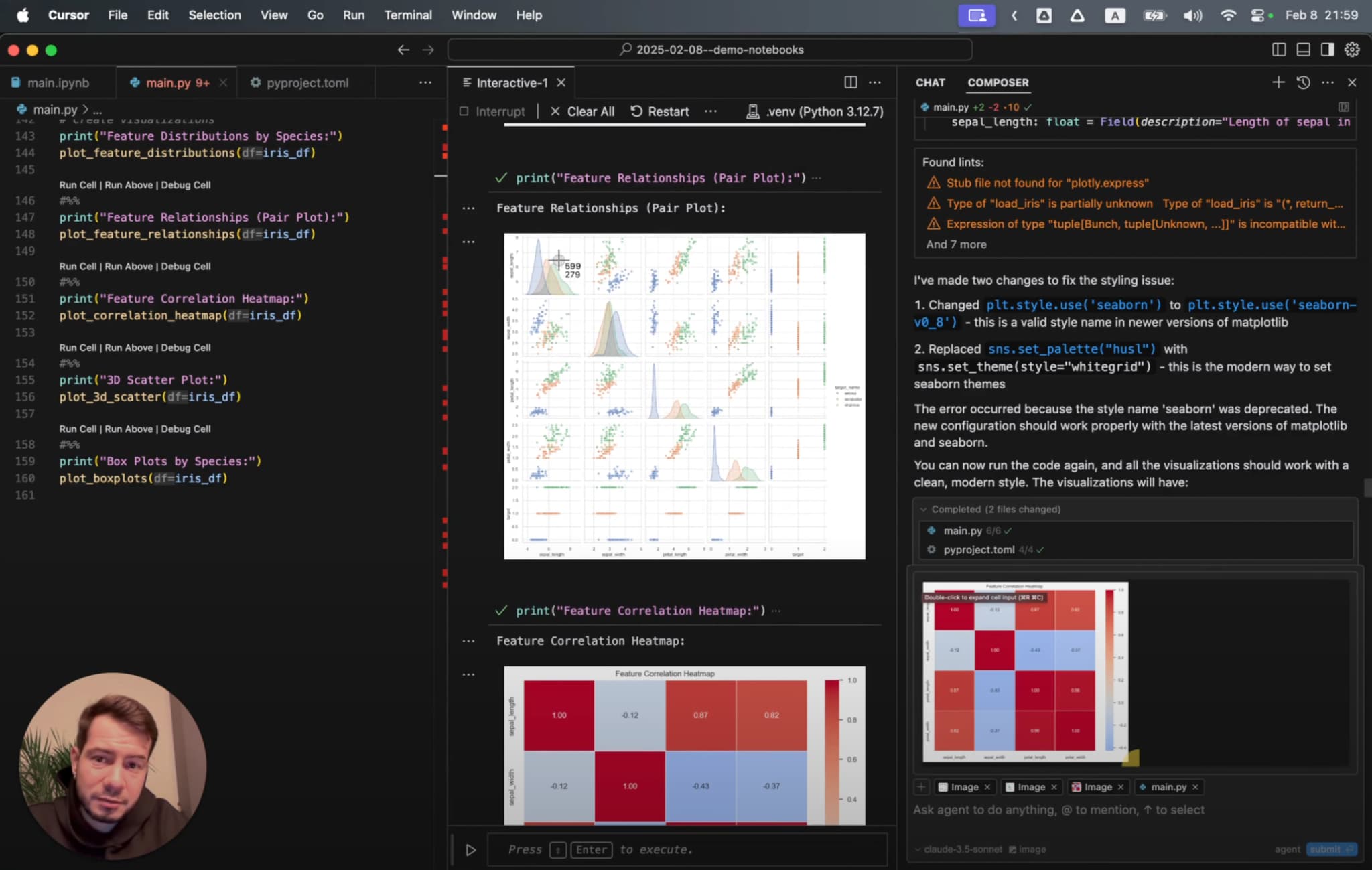
- Cursor IDE Rules for AI: https://kirill-markin.com/articles/cursor-ide-rules-for-ai/
- Codex Rules for AI: https://kirill-markin.com/articles/codex-rules-for-ai/